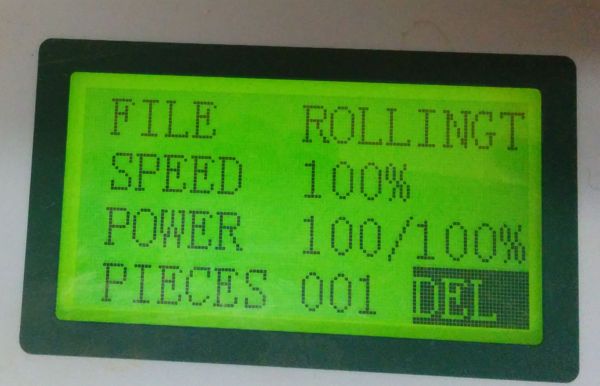
Hi Ben,
Tried translating your error message using an online chinese character finder - the two characters on the right mean "failed", so I guess it's probably not saying anything that you don't already know!
Based on similar experiences here in the past, you could try the following couple things (not necessarily in this order)...
1) See if the 'delete all' button in the LaserCut download window will work. Of course, you will have to load all your programs back into the machine later (you have backups on the PC, I hope!) - but, with luck, it will simply ignore corrupted files and re-format the whole lot.
2) Again, in the LaserCut download window, click the 'download cfg' button. This writes to the machine a file containing all the data about the machine size, speed of movement etc. On our 6090, we've had this file get corrupted a couple times, totally at random it seems. When this happens, the machine can do all sorts of weird and unexpected things!
One important tip with LaserCut and these machines. They really don't like long file names! They use technology from donkey's years ago, before Windows ruled the PC world - so they only properly support the old
DOS style file name. If you use long file names, and two names happen to begin with the same first eight characters, it can cause problems, as either the software or the machine can get the names mixed up, or simply fail to save/load the files correctly.
Hope that's some help to you. If you still can't get things running again, I'd contact HPC directly - their customer service has always been excellent whenever we've needed their help.
Cheers,
Steve.